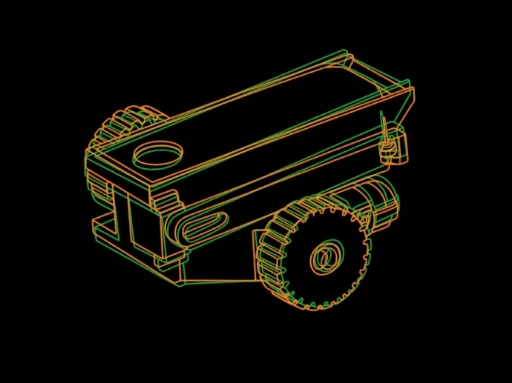
PokeyBots Program - Standard Instruction
| Responsible | Thalia Frankhouse |
|---|---|
| Last Update | 02/21/2026 |
| Completion Time | 8 hours 55 minutes |
| Members | 17 |
-
Unit 1: Welcome to PokeyBots!5Lessons · 12 min
-
Preview
-
Preview
-
Preview
-
Preview
-
Preview
-
-
Unit 2: How the Program is Set Up9Lessons · 1 hr 50 min
-
Preview
-
Preview
-
Preview
-
Preview
-
Preview
-
Preview
-
Module 3: Parts
-
Check In: What's In Your PokeyBot Kit?10 xp
-
Where To View Your XP Points
-
-
Unit 3: CAD Design16Lessons · 6 hr 40 min
-
Creating A Chassis
-
Module 1: Introduction to CAD
-
Which CAD Software Will We Use?
-
Module 2: Signing Up for Onshape
-
Preparing For Your CAD Lesson
-
Module 3: Creating Your First Sketch
-
Check In: Creating Your First Sketch10 xp
-
Module 4: Creating Your First Extrusions
-
Check-In: Creating Your First Extrusions5 xp
-
Module 5: Creating the Drive Motor Slots
-
Check-In: Creating the Drive Motor Slots10 xp
-
Module 6: Creating A Place For The Balloons
-
Check-In: Creating A Place For The Balloons5 xp
-
Module 7: Creating the Railings for the Lid
-
Check-In: Creating the Railings for the Lid5 xp
-
Module 8: Finalizing Your ChassisNew
-
-
This Year's Game Format1Lessons · 10 min
-
Game Format: Capture The BalloonNew
-
-
Unit 4: Assembly and Circuits7Lessons · 3 min
-
Building Your Template ChassisNew
-
Module 1: Chassis AssemblyNew
-
Module 2: Controller AssemblyNew
-
What Makes The Robot Move?New
-
Module 3: What Are Circuits?New
-
Module 4: Ohm's Law & ElectricityNew
-
Check-In: Ohm's Law & ElectricityNew 20 xp
-